



Home Server Creation: Building and Configuring for Beginners
This guide walks you through creating a home server step-by-step. Start with selecting the right hardware, install an operating system like Linux or Windows Server, and set up network attached storage (NAS) for centralized file sharing. Learn about backup solutions for data protection and essential server software for various tasks. Ensure security with firewalls, encryption, and strong passwords. Whether you're new to servers or expanding your setup, this guide covers everything to build a reliable and secure home server. Whether you want to set up a media server, web server, email server, or database server, this guide will walk you through the process and provide the resources you need to get started. Follow this guide and create your own home server today!

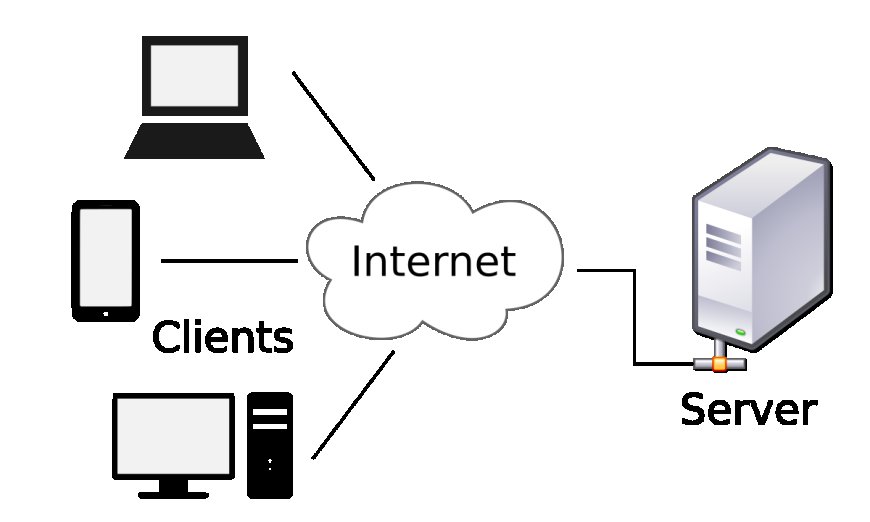
Building a home server can be an exciting project that allows you to manage your data, run your own applications, and learn about networking and system administration. Here's a beginner's guide to setting up a home server:
Hardware Essentials
Start with a server-grade computer that has a robust CPU, ample RAM, and sufficient storage. You can opt for a custom-built machine or a pre-configured server. Ensure you have an Ethernet cable to connect your server to your network.
Choosing an Operating System
Select an operating system that suits your comfort level and the demands of your intended applications. Popular choices include Windows Server, Linux distributions, and FreeBSD.
Network Attached Storage (NAS)
Consider integrating a NAS device for centralized and shared storage solutions. It's an efficient way to expand your server's storage capabilities.
Backup Solutions
Implement a reliable backup strategy using cloud services or local backup devices to safeguard your data against loss or damage.
Software Installation
Install the necessary software to fulfill your server's purpose, whether it's hosting websites, managing media, or running databases.
Security Measures
Secure your server with strong passwords, firewalls, and antivirus software to protect against unauthorized access and threats.
Remember, setting up a home server is a process that requires patience and a willingness to learn. Utilize online resources, tutorials, and forums to guide you through the setup and troubleshooting. Happy server building!
What's Your Reaction?